
MM logo white 1
MM logo red
Image description is not available

The best USB-C monitors of 2026

Daan11 JANUARY 2026
A person in a teal shirt holds a flat screen monitor. Office chairs and a desk are visible in the background.

A monitor with a USB-C port is extremely handy if you like a tidy desk. With the right tools, you only need 1 USB-C cable to connect your laptop or computer to the USB-C port on a monitor. In this article, you’ll find the best USB-C monitors of 2025.

What is a monitor with USB-C?

A workspace with a computer, keyboard, mouse, notebook, clock, plant, books, and pens on a white desk against a white wall.

A USB-C monitor is a monitor that has at least one USB-C port. You then connect the monitor to your laptop or computer using a USB-C cable. The big advantage of a USB-C monitor is that you usually no longer need any other cables to make your laptop-and-monitor combination work. Whether you make optimal use of your monitor’s USB-C port depends on the power of your USB-C cable. With the right cable, which is almost always included with a USB-C monitor, you ensure that your desk stays organised. In addition, you keep other inputs on the monitor free, such as the HDMI or DisplayPort port. That makes a USB-C monitor one of the best monitors.

How do you choose a good monitor?
Why choose a monitor with USB-C?

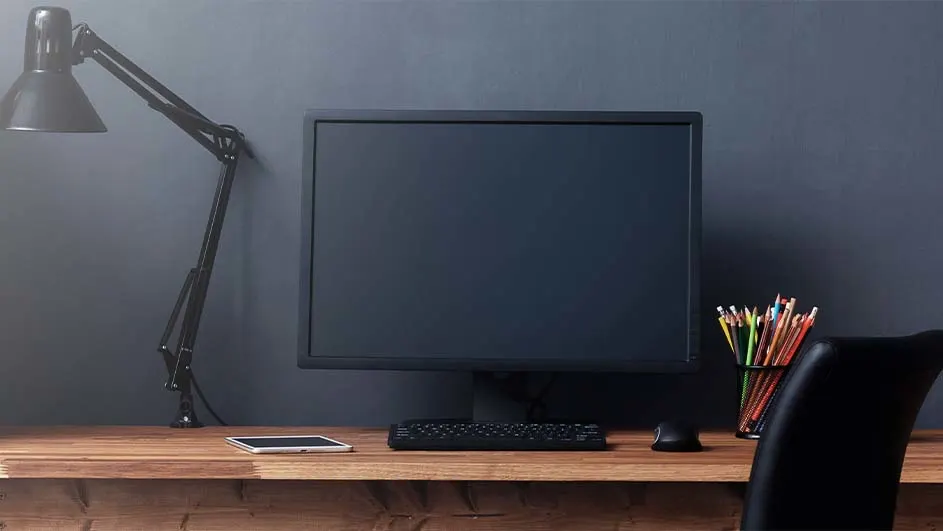
Desk scene with a monitor, keyboard, mouse, and lamp on a wooden surface against a gray wall, next to colored pencils.

Thanks to a USB-C port, you can use 3 functions at the same time with 1 connection: data transfer, power supply and image transfer. In short: thanks to a USB-C connection, in principle you only need a single cable to connect your laptop or desktop to your monitor. This way, your laptop charges while you work and you always enjoy razor-sharp images on the monitor. In addition, with one extra cable you can easily connect an additional monitor. USB-C monitors often support high resolutions of 4K or QHD, although this also partly depends on the USB-C cable you use. Many 4K monitors therefore have a USB-C connection.

How do you choose a 4K monitor?

What is the best USB-C monitor for you?

Office scene with a computer monitor displaying a graph, papers, lamp, and office supplies on the desk.

What the best USB-C monitor for you is depends a bit on what you find important in a monitor. Do you want your laptop, for example, to always charge automatically when it’s connected to the USB-C monitor? Then you need a monitor that supports Power Delivery and can deliver at least 65 watts. Do you often use demanding programmes, or do you game a lot on your laptop and monitor? Then the Power Delivery function of the USB-C monitor needs to deliver more power, namely at least 95 watts. Do you want to connect several USB-C monitors together using daisy chaining? Then you need to buy a USB-C monitor with at least 2 USB-C ports. Only connecting your laptop or PC? Then a monitor with a single USB-C port is in principle sufficient.

How do you choose the best gaming monitor?

These articles might be interesting for you